
Edit PDFs like
a pro, on iPhone.
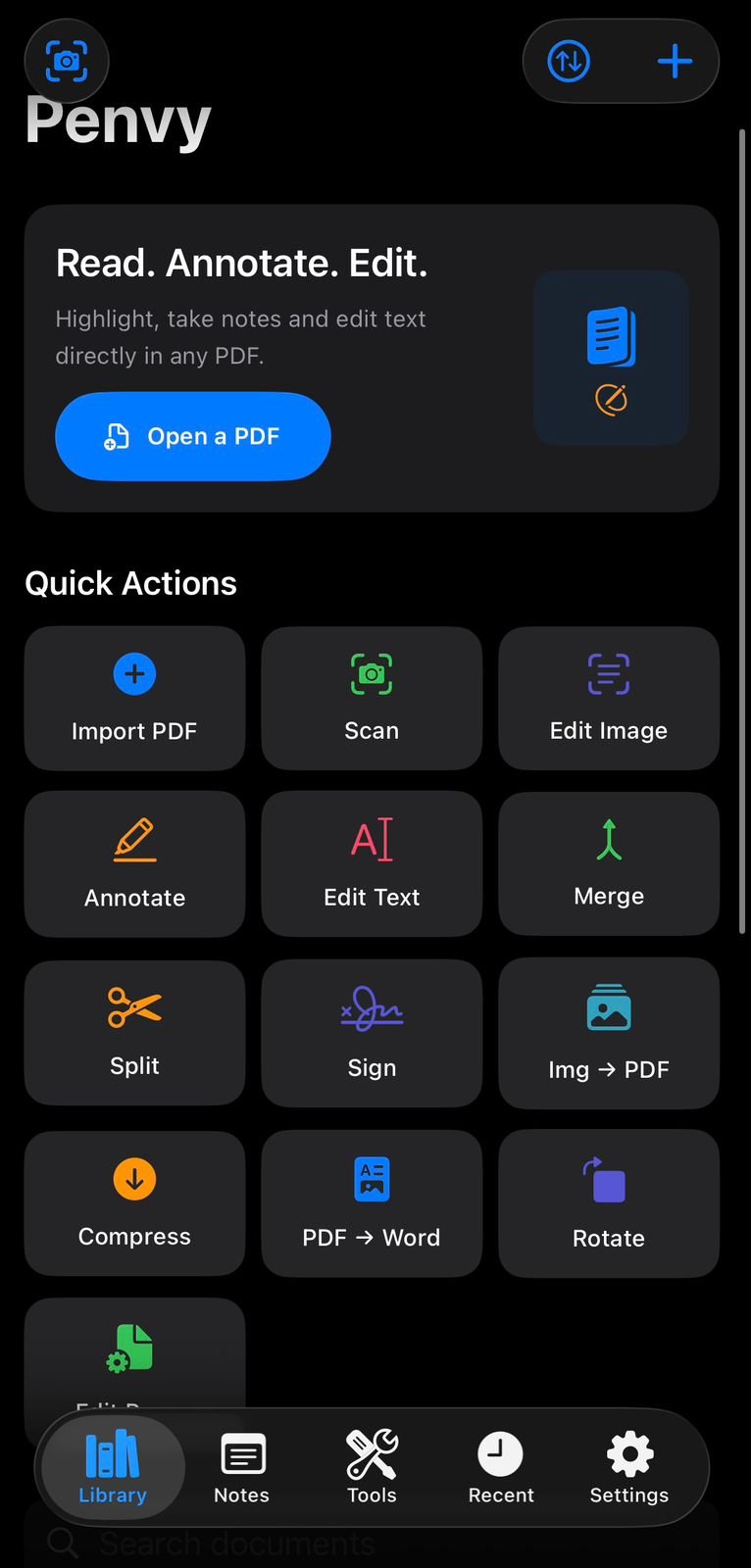
Annotate, sign, compress, merge, and chat with your documents using AI — all from your iPhone. No desktop required.
Everything your PDFs need,
finally in your pocket.
Professional tools built for iPhone — not ported from desktop.
Chat with your PDF using GPT-4o. Ask questions, get summaries, extract data, rewrite sections, and auto-fill forms — all with a single message.
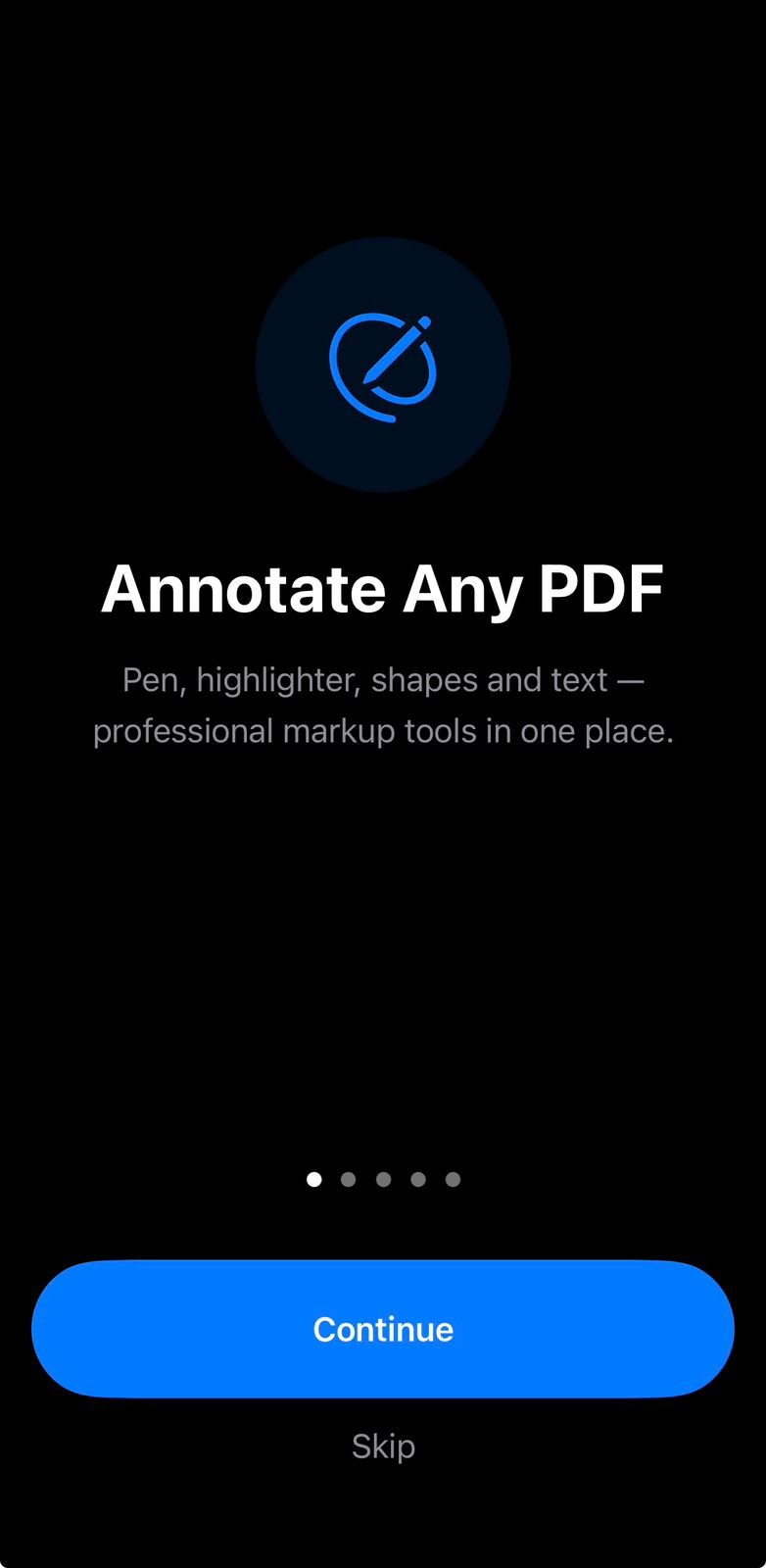
Highlight, underline, draw freehand, add sticky notes and text boxes with pixel-perfect precision using Apple Pencil or your finger.
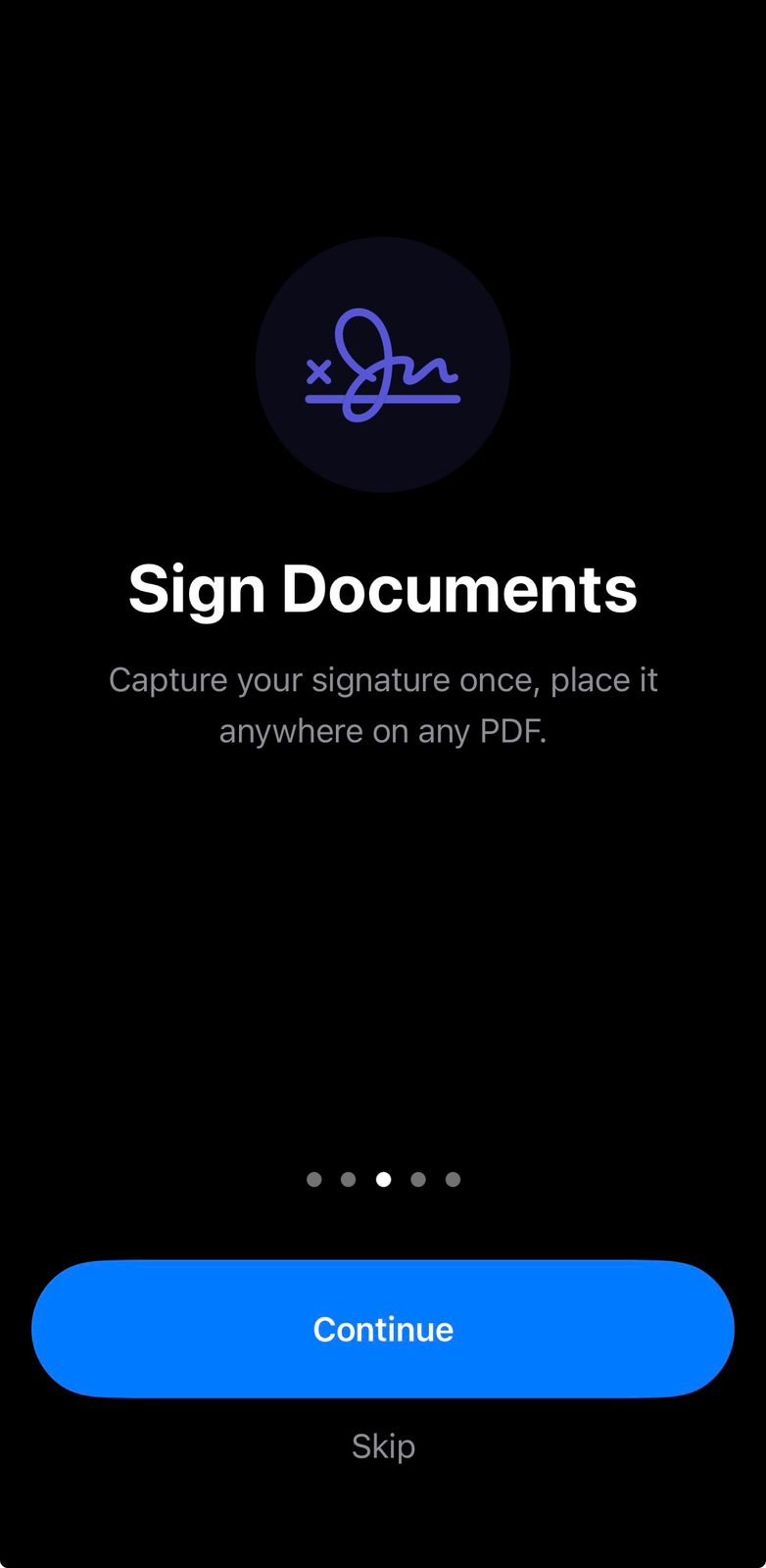
Create legally binding signatures with your finger or Apple Pencil. Send for signature requests and track status in real time.
Convert any scanned document or photo into searchable, selectable text instantly. 40+ languages supported.
Combine multiple PDFs, rearrange pages, split documents, and compress file size without any quality loss.
All documents sync instantly across iPhone, iPad, and Mac through iCloud Drive. Your files are always where you need them.
Your documents have never been this smart.
Penvy: PDF Editor & AI Notes connects your documents to powerful language models. Stop reading — start conversing.
- ✓Ask anything about your document — clauses, definitions, deadlines, numbers.
- ✓Auto-summarize 100-page reports into a clean, readable brief.
- ✓Smart form fill — describe what you need, AI fills the form for you.
- ✓Translate documents into 30+ languages while preserving formatting.
- ✓Extract tables & data from any PDF into spreadsheet-ready format.
Simple, transparent plans.
Start free. Upgrade when you’re ready. Cancel anytime.
Annotate & highlight
5 PDF exports/month
Basic OCR (3 scans/month)
AI Chat
eSignatures
iCloud Sync
Everything in Free
Unlimited exports
AI Chat (100 msg/month)
eSignatures
iCloud Sync
Merge & Compress
Everything in Pro
Unlimited AI messages
GPT-4o Vision
Priority processing
Batch operations
Priority support
Real people. Real reviews.
“I signed a lease agreement on my phone in under 2 minutes. This app is genuinely magic.”
“The AI summary feature saves me hours every week. I just upload a report and ask it what matters.”
“Best PDF app on iOS, full stop. OCR is shockingly accurate even on bad scans.”
“Finally replaced my $200/year desktop software. This does everything at a fraction of the cost.”
“Used it on a flight to annotate 40 pages of research. Smooth, fast, zero lag. Incredible.”
“I asked the AI to translate a contract and explain confusing clauses. Blew my mind.”
“I signed a lease agreement on my phone in under 2 minutes. This app is genuinely magic.”
“The AI summary feature saves me hours every week. I just upload a report and ask it what matters.”
“Best PDF app on iOS, full stop. OCR is shockingly accurate even on bad scans.”
“Finally replaced my $200/year desktop software. This does everything at a fraction of the cost.”
“Used it on a flight to annotate 40 pages of research. Smooth, fast, zero lag. Incredible.”
“I asked the AI to translate a contract and explain confusing clauses. Blew my mind.”
Frequently Asked Questions
Can I edit PDF text directly on my iPhone?
Yes. Tap directly on any text in a PDF and edit, delete, or replace it while preserving the original formatting and layout.
Does the free version add watermarks?
Basic editing, annotation, and form filling are watermark-free. Advanced features like AI summaries require premium.
Can I sign documents with this app?
Yes. Draw your signature, save it, and apply it to contracts, forms, and letters. Apple Pencil support on iPad for precise signatures.
What is the best free PDF editor for iPhone?
Penvy PDF Editor offers text editing, annotations, digital signatures, form filling, and OCR — all free without watermarks — making it one of the most complete free PDF editors on the App Store in 2026.